2.1.2. Navigating in the app
This page gives you a quick orientation after login. The exact layout may differ slightly depending on your version and screen size, but the basic flow stays the same.
2.1.2.1. Dashboard
The dashboard is the main entry point after login. It gives you a compact overview of your work.
You will usually find these areas there:
Projects: open one of your projects to work on its objectives, key results, and tasks
Upcoming deadlines: see which project deadlines are approaching
Your tasks: check what tasks have to be done in the projects you participate in
Top-right menu: open account settings or log out
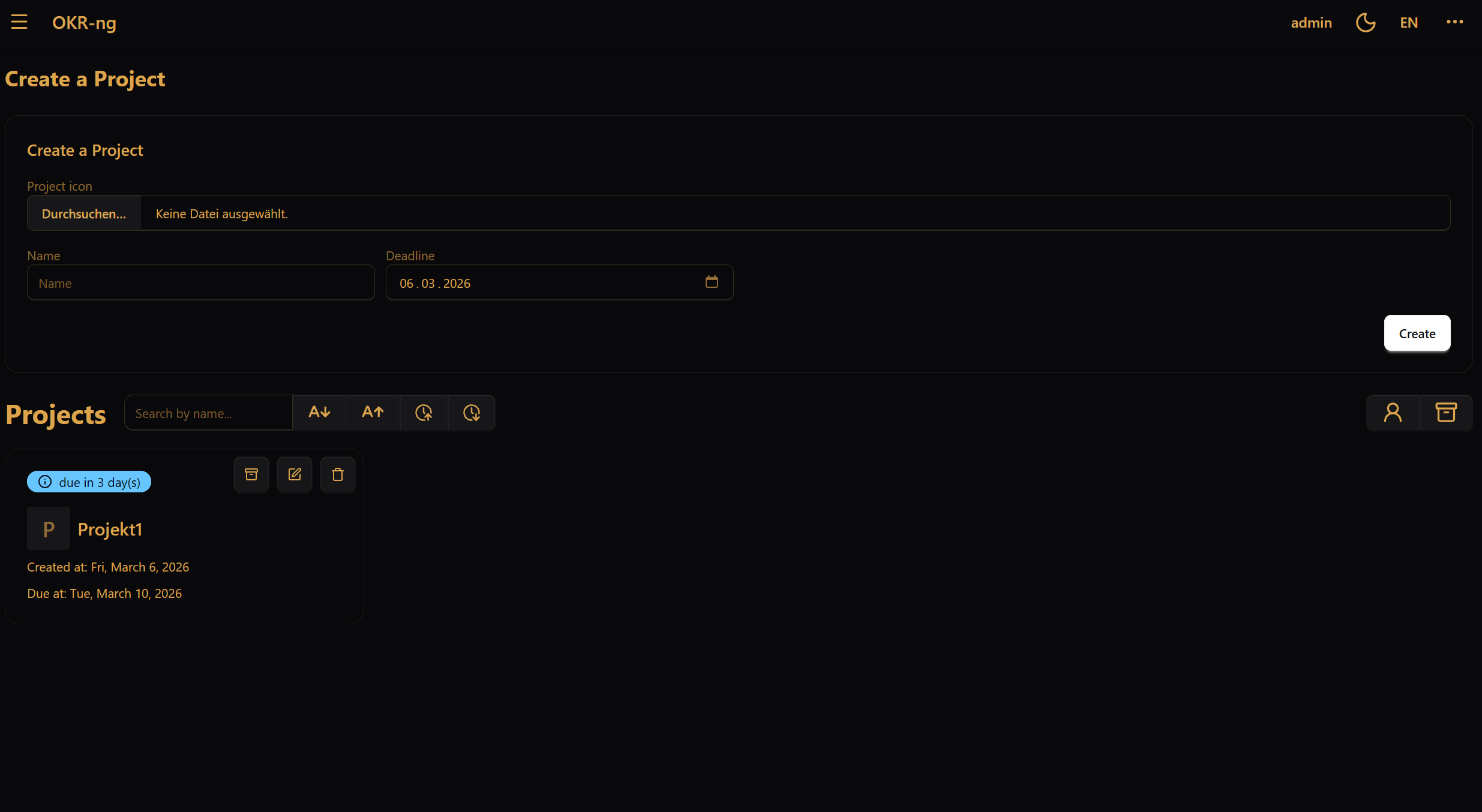
A practical way to use the dashboard is:
Check whether you have urgent tasks.
Open the project you want to work on.
Update progress or task states before leaving the tool.
2.1.2.2. Opening a project
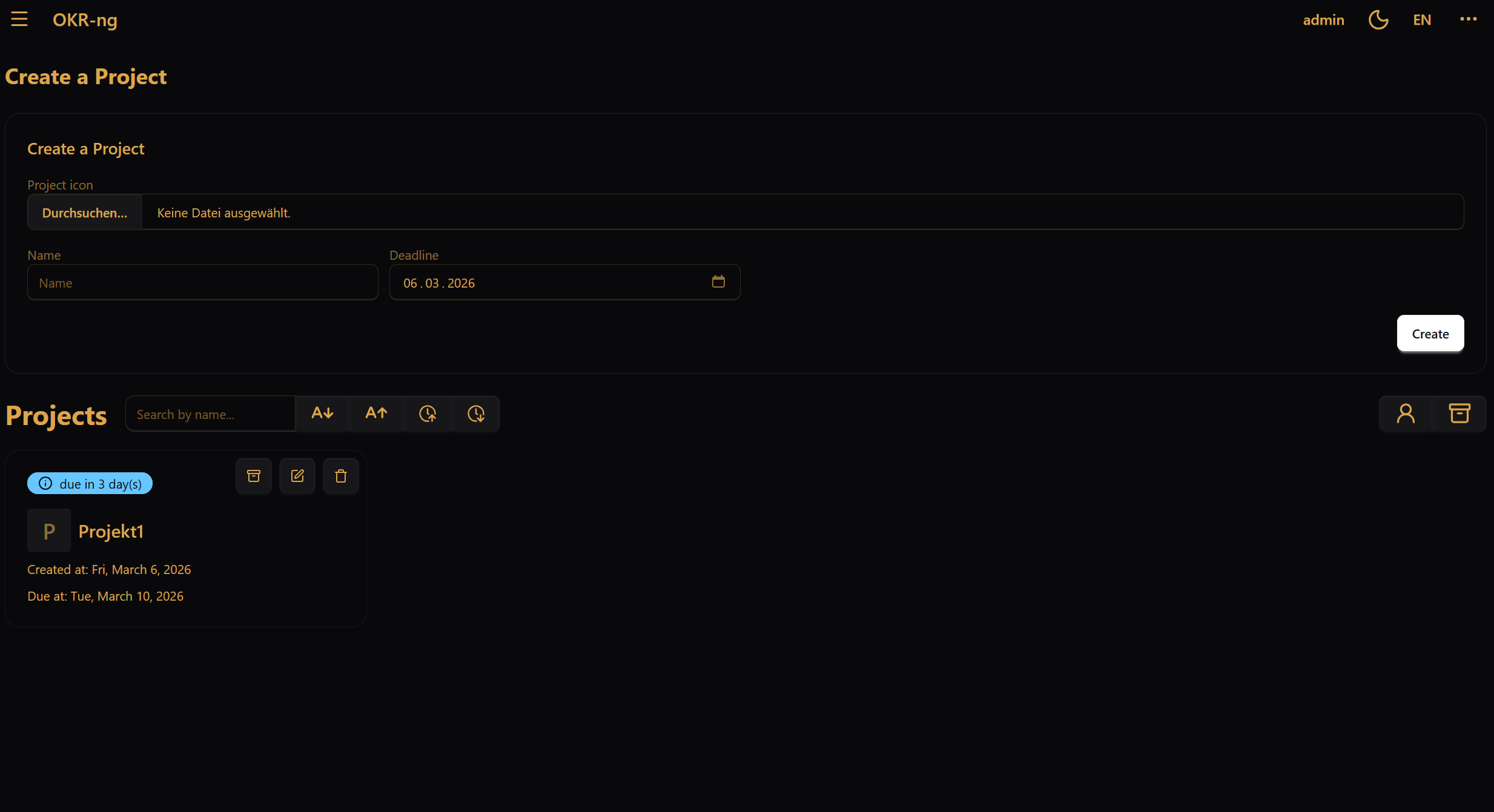
When you open a project, you move from the general overview into the actual OKR workspace. A project page contains:
the project name
members of the project and their roles
the list of linked objectives
project-management actions for team leads
2.1.2.3. Where to find account actions
Open the ⋯ (More) menu in the top-right corner if you want to:
open your account page
change your password
manage login security features
log out
For details about passwords, 2FA, and passkeys, see Account and security.