2.1.1. Getting started
2.1.1.1. What you need
To use the OKR tool, you need:
the URL of your OKR instance
your username
your initial password
Accounts are usually created by an administrator. On your first login, you may be required to change your password.
2.1.1.2. First login
Open the OKR tool in your browser.
Enter your username and password.
Confirm the login.
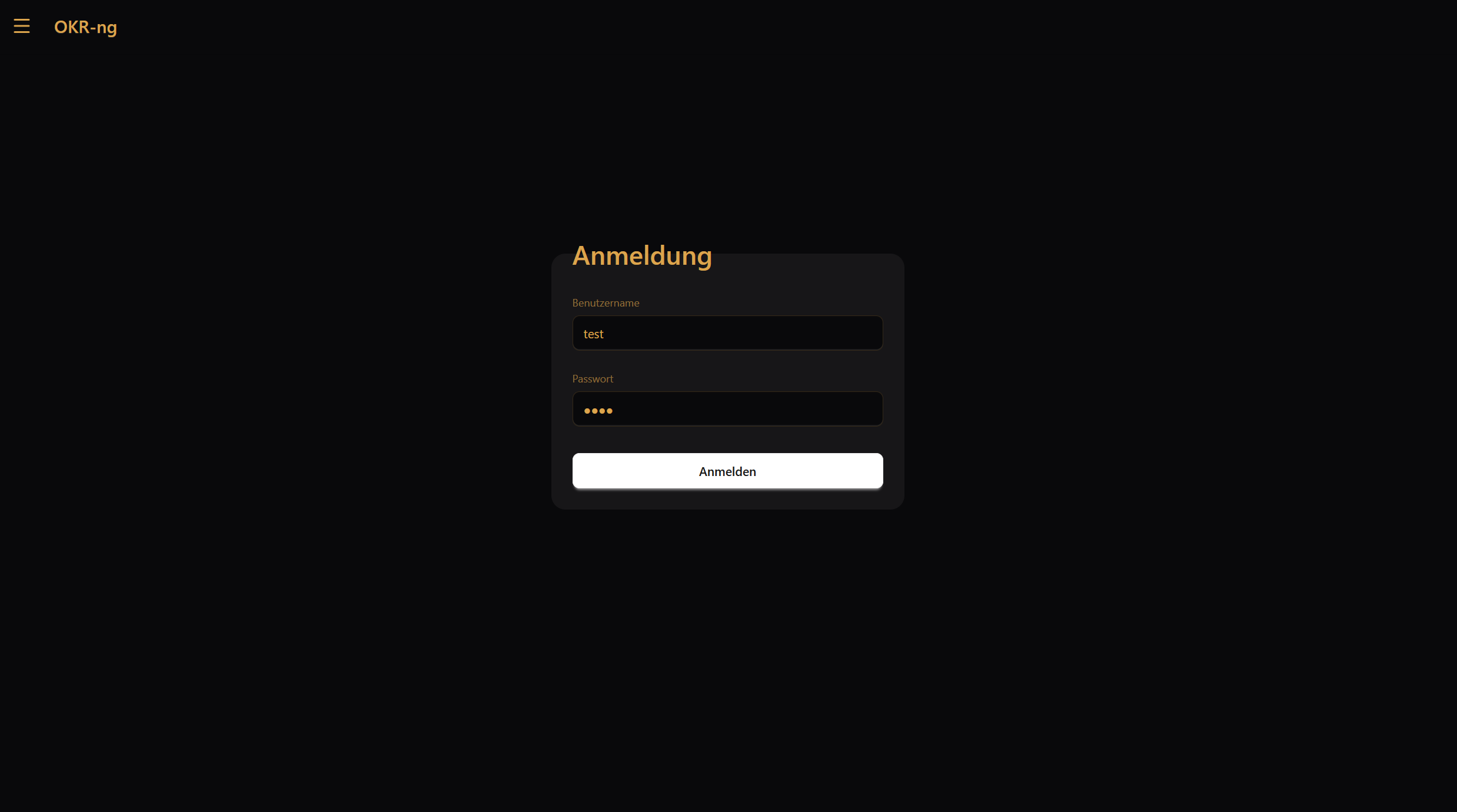
If your account is marked for a password change, the tool will ask you to choose a new password before you continue.

2.1.1.3. After login
After a successful login, you land on the dashboard. This is your starting point in the tool.
From there, you can:
open your projects
check upcoming deadlines
review your assigned tasks
open your account settings
Your next step in the documentation should be Navigating in the app, which explains the main areas of the interface.
2.1.1.4. Logging out
To log out, open the ⋯ (More) menu in the top-right corner and select Log out (or Abmelden, depending on the UI language).
